User Account Deletion Procedure
Users have the right to request the deletion of their account and associated personal data. To process this request, please follow the steps below within our application:
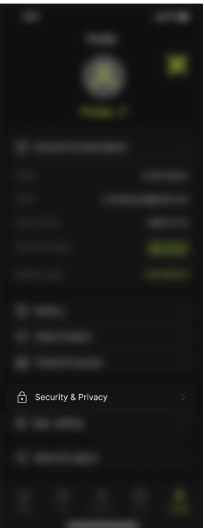
1. Navigate to your Profile menu.
2. Select the Security & Privacy option.
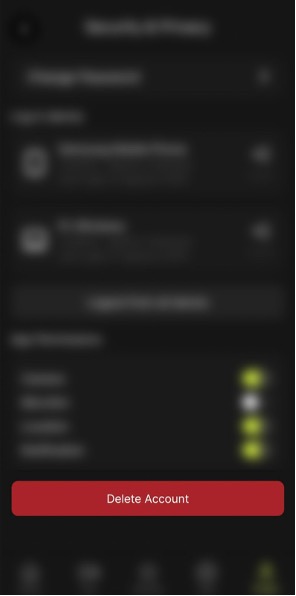
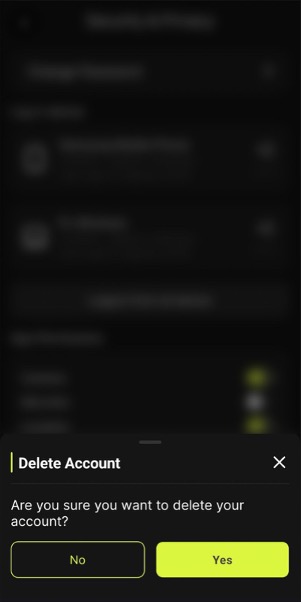
3. On this page, locate and tap the Delete Account button
Once a request has been submitted, personally identifiable data will be deleted from our systems within a reasonable timeframe, in accordance with applicable data retention policies and legal obligations. Please be aware that certain data may be retained for audit, legal compliance, or security purposes.
If you encounter any difficulties or have further questions about this process, please contact our support team via the link provided on this page.